Man this is lookin great! I can't wait to see it done.
-Indybird

Printable View
Man this is lookin great! I can't wait to see it done.
-Indybird
Looking good! Cant wait to see it all together!
nice work, looking great
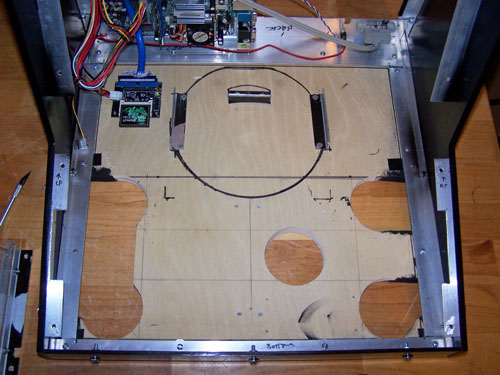
Since everything was out of it I decided to cut a couple more holes in the base so that the bottoms of both joysticks were accessible. I then reinstalled the motherboard, power supply and CF card IDE adapter card.
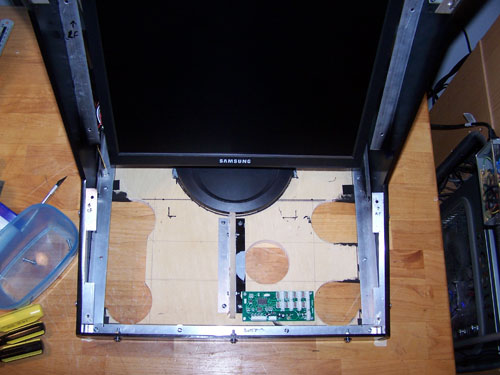
Next up, I installed the arcade control panel support brace, X-Gaming BYO Arcade controller board and the monitor into the cabinet.
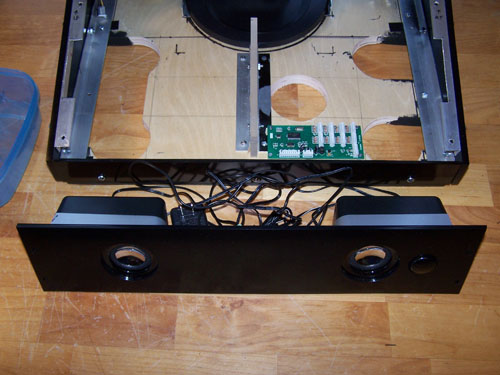
I used Weld-On 16 to mount both speakers onto the acrylic panel and then clamped them down... Weld-On 16 dries clear and is some seriously wonderful industrial stuff.
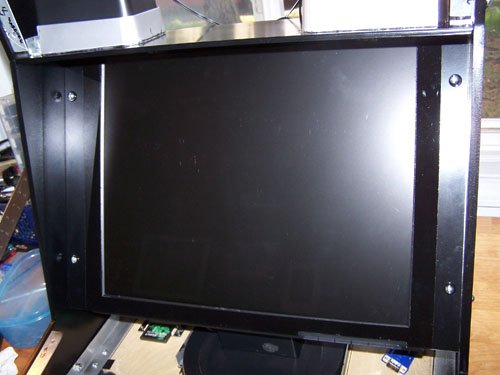
The speaker panel and the monitor overlay acrylic panel are installed. I cut some of the bottom right monitor acrylic panel out so that the monitor controls can be accessed when the arcade controls panel is removed.
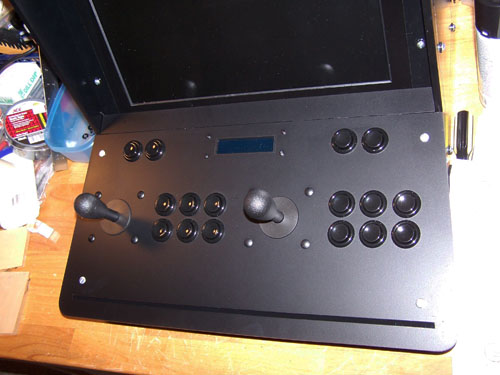
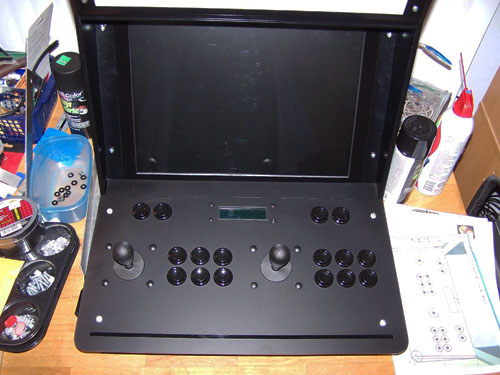
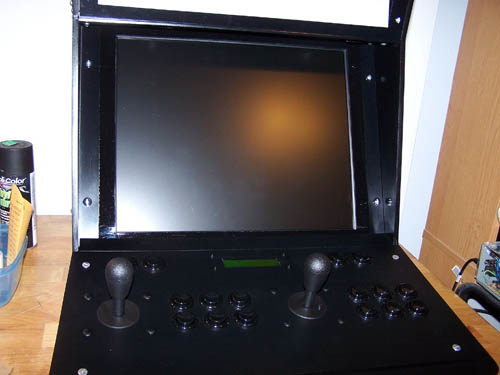
Below is my nearly completed arcade controls panel, for now it is just loose fit onto the cabinet, but both joysticks, all sixteen buttons and the Matrix Orbital display are installed.
Here's another look at the arcade controls panel from a top down perspective...
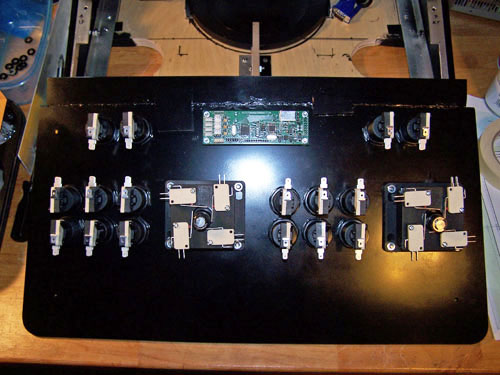
And a look at the back side - twenty four micro switches still need to be wired up to the BYO controller board, but not far now.
dude that seriously is amazing stuff. It is looking really good, I may have to make my own one day lol.
yeah man looks sweet love these mame mods
I decided to change up the monitor overlay acrylic panel a bit, the clear center section had to go. My reasoning - first it eliminates the reflection/glare it caused, second it fixes and prevents any existing or future scratches, and third if the screen itself ever needs to be cleaned the whole thing won't have to be torn apart now to do it.
nice change looks good
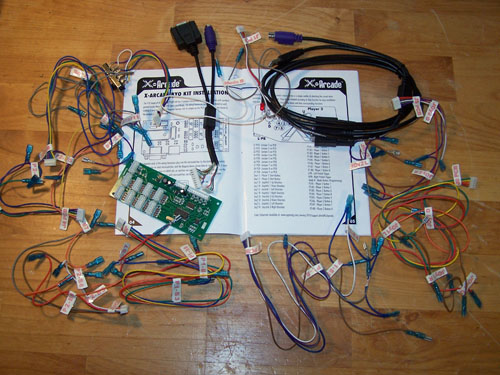
Changing things up seems to be a trend as this project gets closer to completion - with that said I have decided not to use the X-Gaming BYO arcade controller kit. It was really nice of X-Gaming to send me one to check out, but the convoluted connection method combined with the confusing mess of tabbed wiring and cryptic instruction set started me thinking that a pre-wired controller might be less than optimal for my needs.
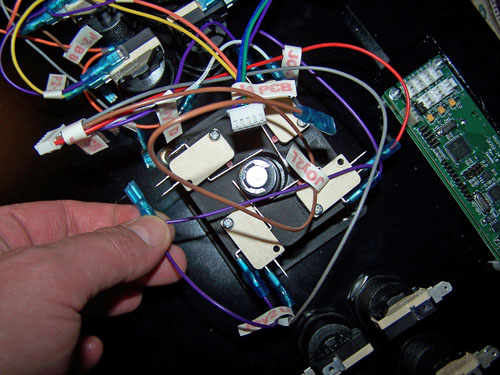
The picture below however shows the single biggest reason why I am not going to use it, the wiring is just too short to work. Sure, I could modify the wiring by adding length to it, but the BYO arcade controller kit is supposed to be ready to go solution right out of the box and simply stated it kind of sucks.
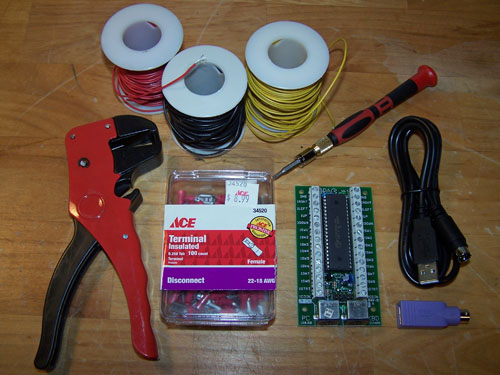
Below shows the new plan - I bought an I-PAC2 arcade control interface, a wire stripper and a hundred pack of terminal connectors and I will wire it myself. I like that the I-PAC2 has a simpler single cable method of connecting to the PC over the X-Gaming controllers cables, but the best part is that the button and joystick wiring will be a lot cleaner.
Sweet update! I have been looking at those I-PAC2 controllers as well, can't wait to see how it goes together for you!